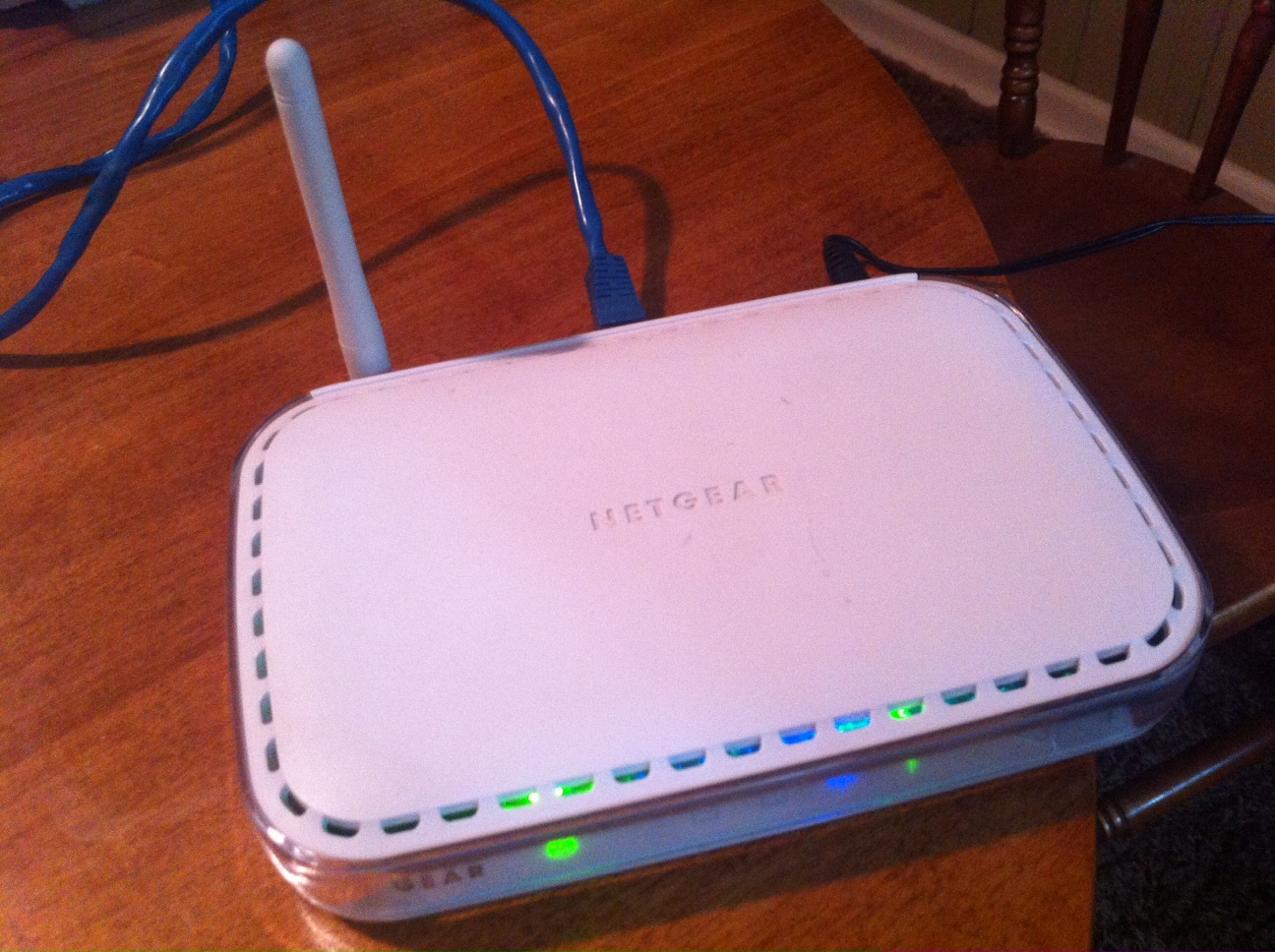
Someone gave my father-in-law an old Netgear wireless print server. It includes two USB ports (for printers) and four ethernet ports. The device can connect to an existing wireless network, so it’s essentially a wireless bridge device. He wanted to use it to extend Internet access to an out-building on his property.
I configured the device to work with his network. In the process, I had to find the default settings so I could connect to the device and configure it. Netgear no longer offers support for this device and I wasn’t able to download the manual from Netgear’s Website. I had to use third-party sources. I figured I’d go ahead and post the default settings needed to connect to this device.
Netgear 54 Mbps Wireless Print Server w/4-port Switch (WGPS606)
Device IP: 192.168.0.102
Username: admin
Password: password



 Press Any Key
Leave a comment