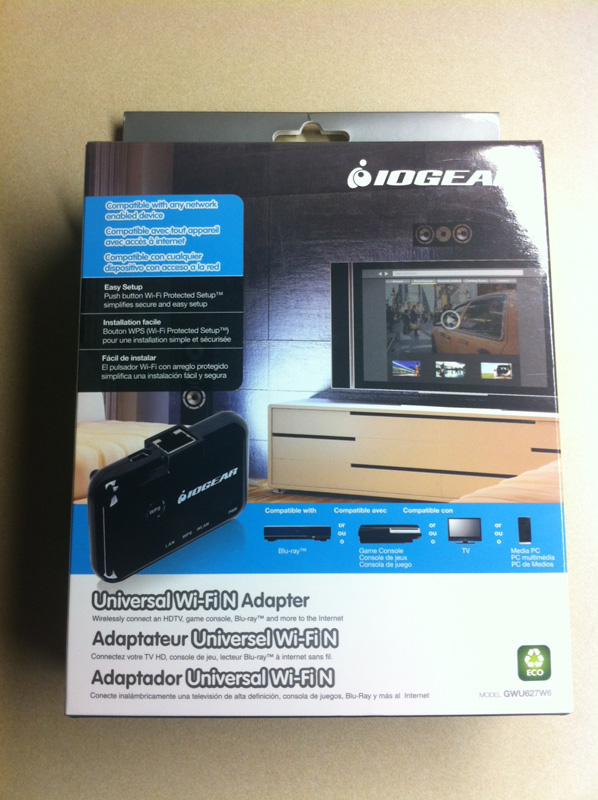
Last spring my brothers and I purchased a 32″ LCD Panasonic TV for our mother that includes several Internet streaming apps built-in (Netflix, Pandora, etc). At the time it would have cost an additional $90 for the wireless adapter so I decided to setup a Linksys AP in bridge-mode (to a Linksys wireless router) and connect it to the TV’s ethernet port.
Unfortunately, the AP to wireless router bridge required that I use WEP for her network. This wasn’t ideal considering the weak security that WEP provides but it worked well enough to get the television connected.
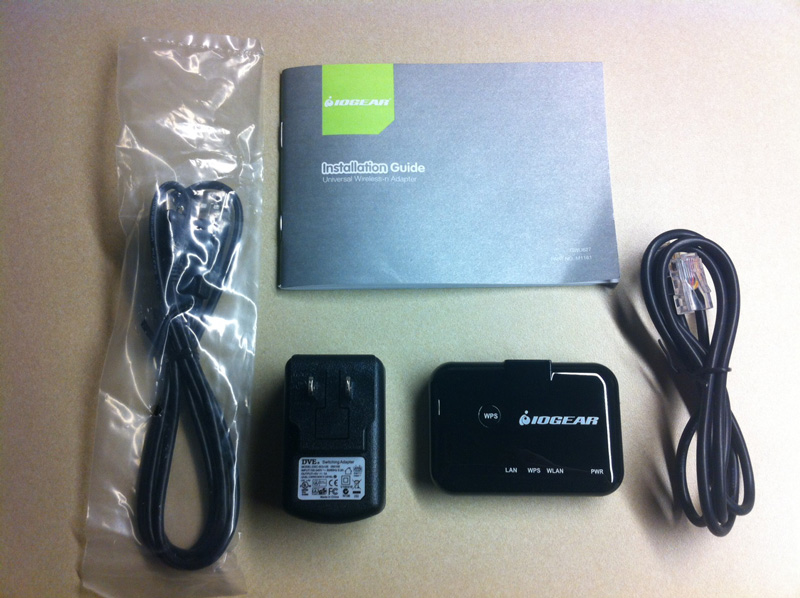
About a month ago I purchased an IOGear Universal WiFi N Adapter (GWU627W6) for about $40, which is a much more reasonable price than the other adapter and can easily be used with any ethernet-compatible device. A week ago I went over to my mother’s house and swapped out the AP with the IOGear device.
So far it seems to be working well and I’ve also changed her network to use WPA. I think this is a good device at a fair price.
Updated 11/18/2012: I also bought one for myself that I used to replace a Microsoft USB wifi adapter for my Xbox. Both IOGear adapters are still working great.
Updated 07/18/2013: The adapter connected to my Xbox still works great.



Leave a Reply