I’ve been implementing home automation using X10 products off-and-on for almost a year, since we moved into our house. Initially, I used the ActiveHome Pro software from X10. However, I had major problems with getting it to handle conditions and flags properly. Eventually, I purchased another product called mControl (by Embedded Automation).
I found mControl to be a much more attractive home automation package for several reasons. It runs as a Windows service, provides media center and Web-based interfaces, and interacts with many different home automation products – not just X10 hardware.
I’m currently running a version of mControl 2.1 on a Windows 7 system. Initially, I had several issues when I moved from Windows XP to Windows 7, but a beta version of the next update seems to have resolved most of the problems I had.
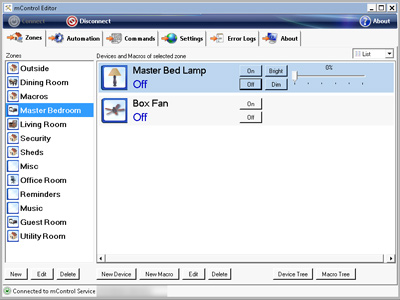
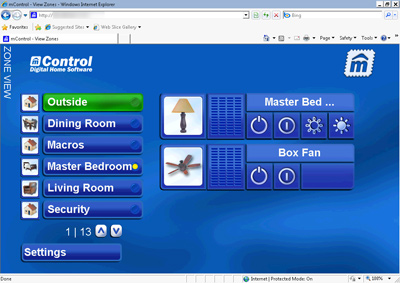
Updated 10/04/2011: I’m still using mControl and version 3 is now available.

 Press Any Key
Leave a reply to Moving from mControl 3 (Windows) to Indigo 6 (OS X) for Home Automation | Press Any Key Cancel reply